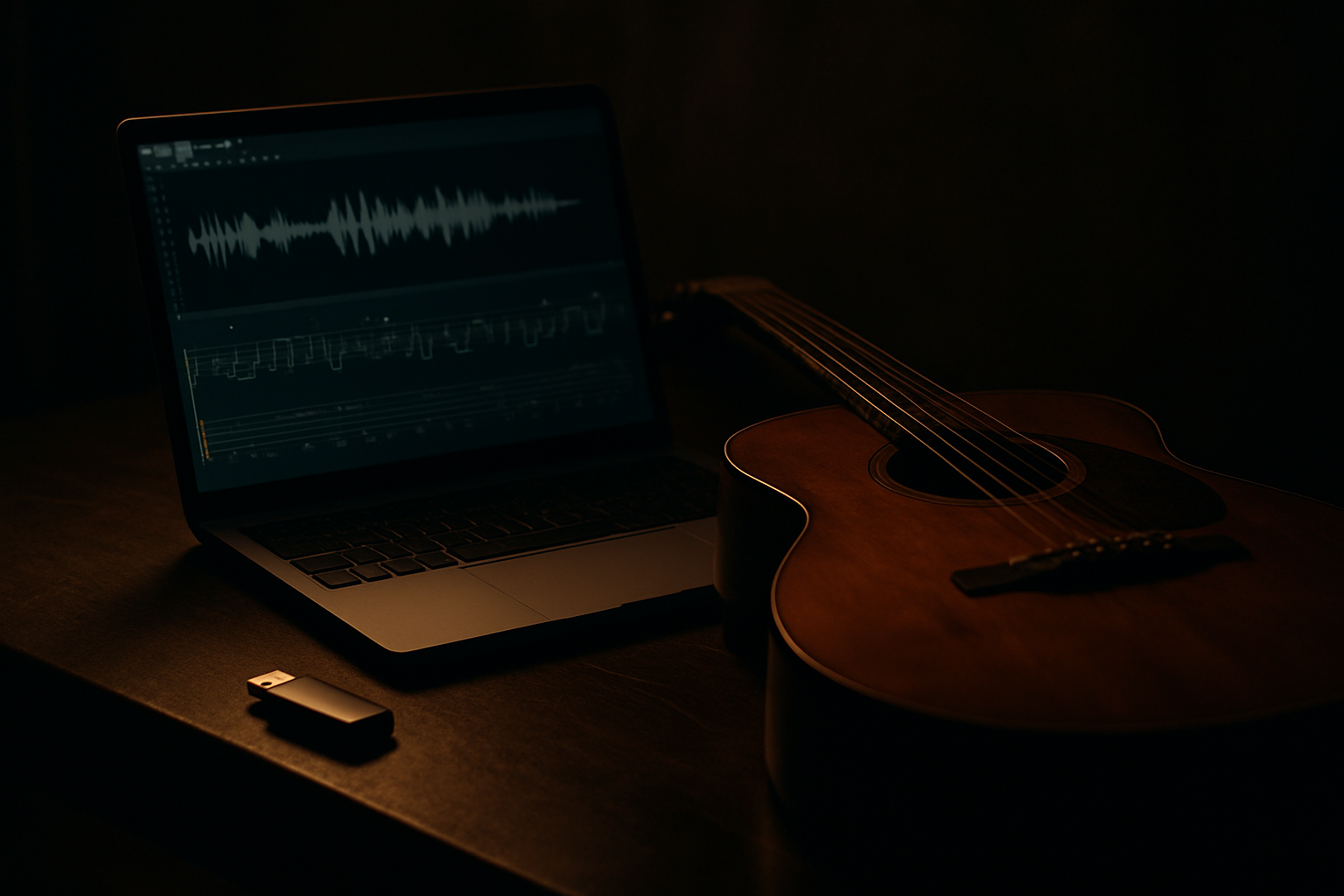
How to Export AI Generated Music to Guitar Pro Format
You generated a song in Suno or Udio. It sounds great. Then you try to figure out the chords, and there's nothing — no tab, no sheet music, no MIDI you can actually use in your DAW. That gap between 'AI made this' and 'I can play this' is exactly what MelodAI closes.
Why AI Generated Music Needs a Guitar Pro Export Option
AI music generators output audio, not notation. That's fine if you just want to listen, but it breaks down the moment you need to teach a part, hand off a chart to a session player, or arrange a cover. Transcribing a track by ear takes anywhere from thirty minutes to a few hours, depending on complexity. If AI is supposed to save you time, manual transcription shouldn't be the bottleneck that eats it all back.
How to Export AI Generated Music to Guitar Pro Format with MelodAI
- Describe the song — genre, mood, instrumentation, language — in the prompt box.
- Generate. MelodAI renders the full mix in under a minute.
- MelodAI auto-transcribes guitar, bass, piano, and drums into tab notation as part of the same generation.
- Preview the tab inline, then export as .gp5, PDF, MusicXML, or MIDI.
- Open the .gp5 file in Guitar Pro, TuxGuitar, or any compatible software and start playing or editing.
Auto-generated guitar tab from a MelodAI track, ready to export as .gp5
The .gp5 file isn't a stripped-down approximation. It includes full notation, tempo, and time signature, multi-track parts for guitar, bass, piano, and drums, and where relevant, techniques like bends and slides. Because it opens directly in Guitar Pro, you can transpose it, adjust fingerings, or print a clean chart without touching a separate transcription tool.

What Makes MelodAI's Guitar Pro Export Different
Guitar, bass, piano, and drums are transcribed automatically — not just the melody line.
.gp5, PDF, MusicXML, and MIDI ship from the same generation, no separate conversion tool needed.
Paid plans include a royalty-free license, so the track and its tab are both cleared for release.
Generate in the genre and language you actually write in, and get a tab that matches the real arrangement.
Suno and Udio are built for one thing: generating audio fast. Neither ships notation, so if you need a chart, you're back to transcribing by ear or paying someone else to do it. MelodAI treats the tab as part of the output, not an afterthought — you get the song and the sheet music in the same pass.
| Feature | MelodAI | Suno / Udio |
|---|---|---|
| Guitar Pro (.gp5) export | ✓ | ✗ |
| PDF sheet music | ✓ | ✗ |
| MusicXML export | ✓ | ✗ |
| Multi-instrument tabs (guitar, bass, piano, drums) | ✓ | ✗ |
| Royalty-free commercial license | ✓ | Limited |
Formats You Can Export Besides Guitar Pro
- .gp5 — for editing in Guitar Pro or TuxGuitar
- PDF — for printing, sharing with bandmates, or handing to students
- MusicXML — for Sibelius, Finale, or MuseScore
- MIDI — for sequencing, remixing, or dropping straight into your DAW
Who Actually Uses This Workflow
- Session musicians turning AI demos into charts they can sight-read
- Producers who write on guitar or piano but arrange everything with AI
- Music teachers building lesson material without hours of manual transcription
- Bands prototyping arrangements before a full studio recording
- Content creators who need licensed music with parts real players can perform
Exporting AI generated music to Guitar Pro format shouldn't require a third-party transcription app, a freelance transcriber, or an afternoon spent working out the chords by ear. MelodAI builds the tab into the generation pipeline itself, so the file you download after generating a song is already playable, printable, and editable. That's the difference between an AI track you can only listen to and one your band can actually rehearse.
Generate a song. Get the tab. Export in seconds.
MelodAI is the only AI music platform that ships Guitar Pro tabs with every track.
Start creating free