AI Music Generator With Guitar Tabs: Why MelodAI Is the Only Platform That Ships Both
You generate a song with AI, love the riff at 0:42, and then hit a wall: there's no way to actually play it. Suno and Udio give you audio and nothing else. If you're a guitarist, bassist, or teacher, that's half a product. MelodAI generates the song and hands you the tab at the same time, so the gap between hearing an idea and playing it closes in under a minute.
What an AI music generator with guitar tabs actually means
Most AI music tools stop at an MP3 or WAV file. That's fine if you're background-scoring a video, but it's useless if you need to learn the part, hand it to a bandmate, or print sheet music for a student. MelodAI runs a transcription pass on every generated track automatically, converting the audio into readable notation for guitar, bass, piano, and drums. You get the song and the map to play it, without opening a separate transcription app or paying a session musician to chart it out by ear.
This matters most for people who write faster than they can notate. Describe a chord progression, a genre, a mood, and MelodAI builds the full arrangement. The transcription engine then breaks that arrangement into instrument-specific tabs, so the lead guitar line, the bassline, and the drum pattern all show up as separate, readable parts instead of one blended audio file you have to reverse-engineer.
Describe genre, mood, tempo, or reference a style. 400+ genres supported, in 7 languages.
Full song generated in under a minute, structured with verse, chorus, and instrumentation.
Guitar, bass, piano, and drum parts are transcribed automatically from the generated audio.
Download as .gp5, PDF, MIDI, or MusicXML and open in Guitar Pro, MuseScore, or your DAW.

Who this is actually built for
Guitar teachers use MelodAI to generate practice tracks in a specific style and immediately hand students a printable tab instead of transcribing exercises by hand. Session musicians use it to sketch a part, export the gp5, and drop it straight into Guitar Pro for editing before a session. Songwriters who don't read music fluently use the tab as a bridge to communicate ideas to a live band. None of these workflows exist on platforms that only output audio.
Content creators and indie game developers get a different benefit: a royalty-free commercial license on paid plans, meaning the track you generate can go straight into a video, stream, or game build without licensing headaches. Combine that with the tab export and you can also credit or explain the music theory behind a track in tutorials, something that's impossible when all you have is a rendered audio file. The tab isn't a bonus feature here, it's the reason a guitarist would pick this over a generic AI music tool.
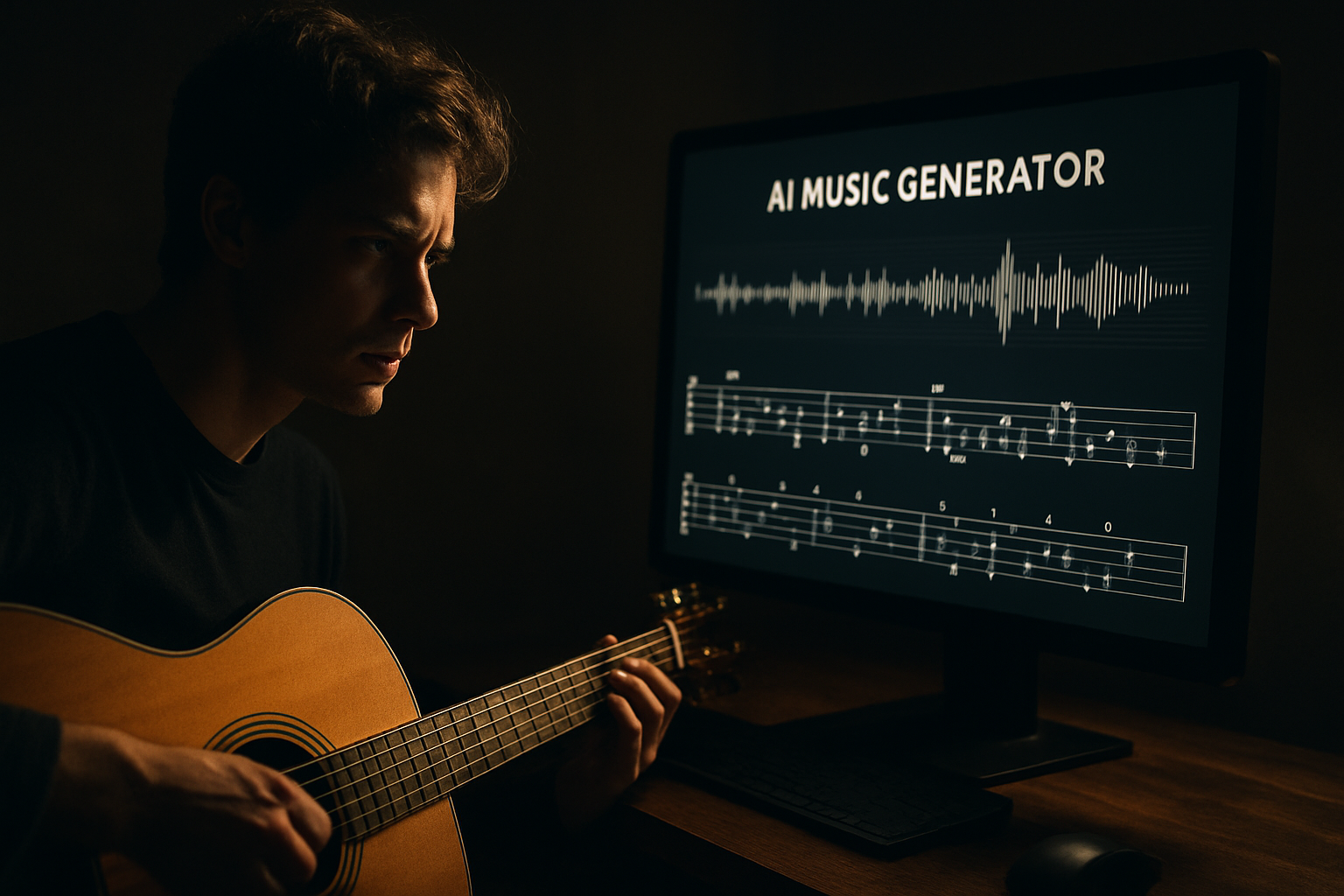
Example of an auto-transcribed guitar tab, exported directly to .gp5 format.
MelodAI vs Suno and Udio: the tab gap
Suno and Udio are strong at generating audio quickly, and if all you need is a finished track to listen to, they'll get you there. But neither ships a transcription layer, which means guitarists and bassists are stuck trying to figure out parts by ear or paying for separate transcription software. MelodAI was built by people who wanted to skip that second step entirely. The comparison below breaks down where the actual feature gap sits.
| Feature | MelodAI | Suno / Udio |
|---|---|---|
| Guitar/bass/piano/drum tabs | ✓ | ✗ |
| Export to .gp5 | ✓ | ✗ |
| PDF sheet music export | ✓ | ✗ |
| MusicXML export | ✓ | ✗ |
| MIDI export | ✓ | Limited |
| Royalty-free commercial license | ✓ (paid plans) | Varies by plan |
| Genre coverage | 400+ | Varies |
The gap isn't cosmetic. If you're a working musician, the difference between an audio file and a tab is the difference between an idea and a usable chart. MelodAI's transcription runs on the same generation pipeline as the audio, so the tab reflects what you actually hear, not a rough approximation built after the fact.
From prompt to playable tab in under a minute.
Generate, transcribe, export — no extra software required.
How to get the most out of tab-ready AI generation
- Be specific in your prompt about instrumentation — mention 'fingerpicked acoustic' or 'palm-muted riff' if you want the tab to reflect a particular technique.
- Generate a few variations of the same idea, then compare tabs side by side to pick the cleanest voicing for your skill level.
- Export to .gp5 first if you plan to edit the tab further in Guitar Pro, since it preserves the most structural detail.
- Use the PDF export when you're printing charts for students or bandmates who don't use tab software.
- Pull the MIDI export into your DAW if you want to quantize, humanize, or layer the part into a larger production.
None of this requires a music theory degree or a separate transcription subscription. The workflow is designed so a songwriter who plays by ear and a guitar teacher who reads notation fluently can both get output they can use immediately. That's the actual test of whether an AI music generator with guitar tabs is useful: can two very different musicians both walk away with something playable.
Generate your first tab-ready track
Describe a song, get the audio and the guitar tab in under a minute. No transcription software, no session musician.
Start generating for free