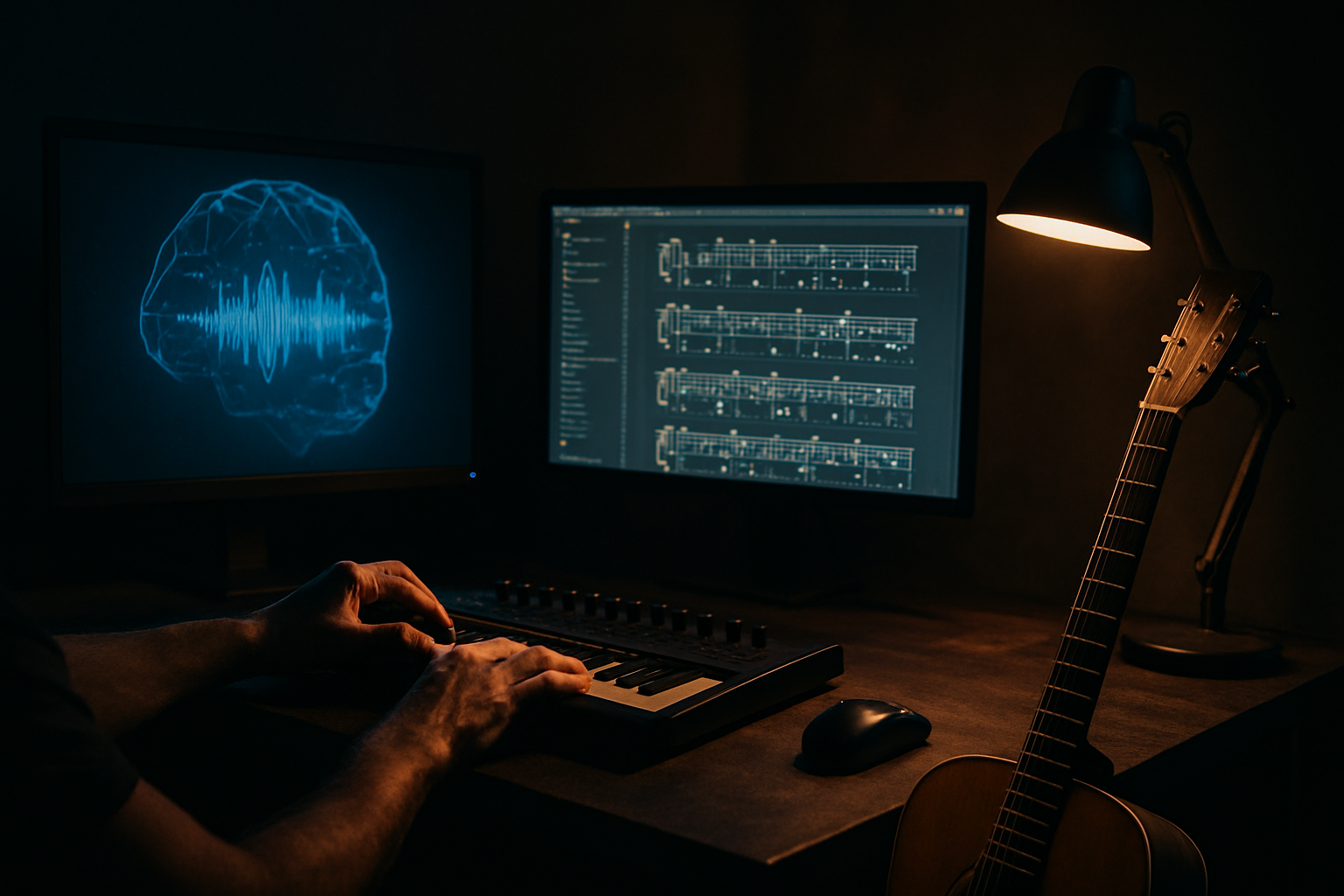
AI Music Generator That Outputs Guitar Pro Files: A Practical Guide
You type a prompt, get a track back, and then hit a wall — because there's no way to actually play what the AI just wrote. That's the gap most AI music tools leave open. MelodAI closes it by generating the song and the tab at the same time, so you walk away with audio and a .gp5 file you can open in Guitar Pro, drop into a DAW, or hand to your band.
Why an AI Music Generator That Outputs Guitar Pro Files Actually Matters
Audio-only AI generators are fine for mood boards and background tracks, but they're useless if you need to learn a riff, teach a part, or arrange for a live set. Guitarists, bassists, and session players work in tab and notation, not waveforms. Without a transcription step, every AI-generated song becomes a dead end unless you transcribe it by ear yourself. That's hours of work most musicians don't have time for, especially on a deadline.
How MelodAI Differs From Suno and Udio
Suno and Udio generate audio fast and sound good doing it, but neither outputs playable notation. MelodAI runs an automatic transcription pass on every generated track, converting guitar, bass, piano, and drum parts into standard tab and sheet formats. You're not exporting a rough MIDI guess — you're getting a structured transcription tied to the actual audio you generated. That's the difference between a demo and a chart you can rehearse from.
| Feature | MelodAI | Suno / Udio |
|---|---|---|
| Generates audio from text prompt | ✓ | ✓ |
| Auto-transcribes to Guitar Pro (.gp5) | ✓ | ✗ |
| PDF sheet music export | ✓ | ✗ |
| MusicXML export | ✓ | ✗ |
| MIDI export | ✓ | Limited |
| Royalty-free commercial license | ✓ (paid plans) | Varies |
| 400+ genre coverage, 7 languages | ✓ | Varies |
None of this matters if the workflow is slow, so speed is built into the pipeline, not bolted on after. You describe the song once — genre, mood, instrumentation, language — and MelodAI handles generation and transcription as one continuous process. There's no separate upload step, no third-party transcription app, no manual cleanup of a messy MIDI file. The output is ready to open the moment generation finishes.
Genre, tempo, mood, instruments, language — as specific or loose as you want.
MelodAI renders a full song, vocals and all, in under a minute.
Guitar, bass, piano, and drum parts get converted to notation automatically.
Download .gp5, PDF, MIDI, or MusicXML — whatever your setup needs.
What You Actually Get in the Guitar Pro Export
The .gp5 file includes separate tracks for each instrument MelodAI detects in the arrangement, so guitar, bass, and drums aren't crammed into one staff. Fretting positions are chosen for playability, not just technical accuracy — the kind of thing you'd expect from a transcriber who actually plays. Tempo, time signature, and key are preserved from the original generation, so the tab matches what you hear. If you need to edit voicings or fix a passage, it opens cleanly in Guitar Pro 7/8 like any other tab file.
- .gp5 — full editable tab in Guitar Pro
- PDF — print-ready sheet music for stands and rehearsals
- MusicXML — for Sibelius, MuseScore, Finale, and other notation software
- MIDI — for DAW import, quantizing, or sample replacement
Auto-generated guitar tab from a MelodAI song, ready to open in Guitar Pro.

Who Actually Uses an AI Music Generator With Tab Output
This isn't a novelty feature for people who don't play — it's built for people who do. Session musicians use it to sketch parts before a studio date. Guitar teachers generate backing tracks and hand students the exact tab. Content creators need royalty-free tracks fast and want the option to re-record parts live instead of licensing stock audio. Bands use it to demo new material without waiting on everyone's schedule to line up for a writing session.
- Songwriters demoing ideas before a full band arrangement
- Guitar/bass teachers building custom lesson material
- Content creators needing licensed, tab-backed music
- Session players prepping charts ahead of a recording date
- Bedroom producers who write on guitar but mix in a DAW
From Prompt to Playable Tab in Under a Minute
Most of the time cost in music production isn't writing the idea — it's translating it into something your collaborators can actually use. MelodAI cuts that translation step out entirely by generating audio and notation together, in one pass, across 400+ genres and 7 languages. You're not choosing between a fast AI track and a usable chart; you get both from the same prompt. That's the entire point of pairing generation with transcription instead of treating them as separate products.
Generate your first song with tabs included
Describe the track. Get audio and a Guitar Pro file in under a minute. No transcription app, no manual tabbing.
Start generating free