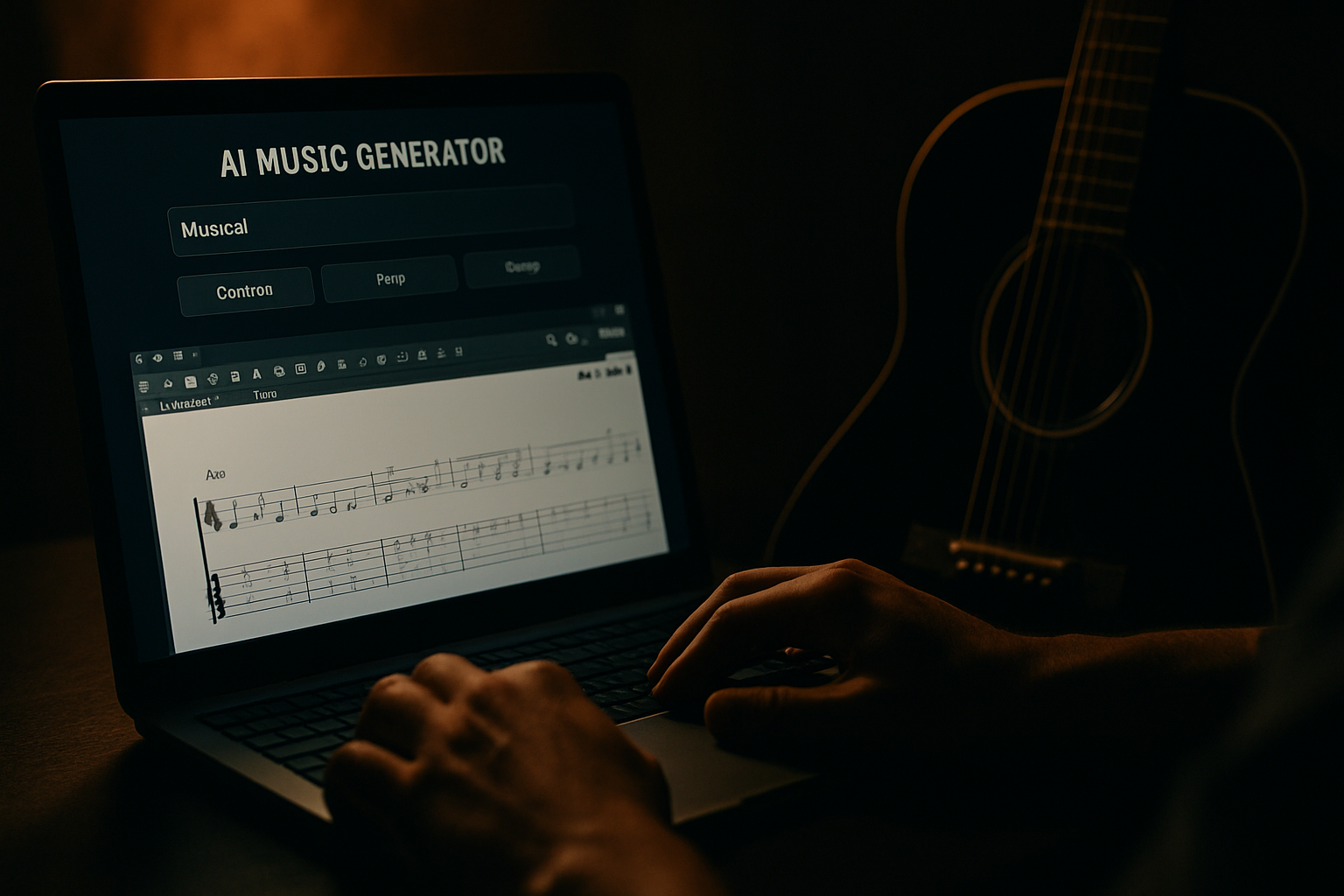
AI Music Generator That Exports Guitar Pro Files: MelodAI Explained
You generate a track with AI, love the riff, and then hit a wall: there's no way to actually play it. Suno and Udio hand you an MP3 and leave you to transcribe the guitar part by ear. MelodAI skips that step entirely — you type a prompt, get a finished song, and get the guitar, bass, piano, and drum tabs at the same time, ready to open in Guitar Pro.
Why an ai music generator that exports guitar pro files actually matters
If you're a working musician, songwriter, or teacher, audio alone is a dead end. You can't teach a riff from a waveform. You can't hand a session player an MP3 and expect a clean take. Guitar Pro files (.gp5) are the working format for musicians — they show fingerings, string bends, tuning, and tempo changes in a format any DAW or notation app can read.
Most AI music tools were built for content creators who just need background audio for a video. MelodAI was built differently — for people who need to practice, arrange, teach, or hand off a part to a band. That's the entire reason tab export exists as a core feature and not an afterthought bolted on later.
How MelodAI turns a prompt into playable tabs
You describe the song — genre, mood, instrumentation, language, tempo, whatever detail you want to give. MelodAI generates the full track in under a minute. Behind the scenes, it doesn't just render audio; it analyzes the composition and transcribes each instrument track into notation automatically, so the tab you get actually matches what's playing.
Genre, mood, tempo, language, instruments — as specific or loose as you want.
MelodAI renders a complete song in under 60 seconds, no half-finished loops.
Guitar, bass, piano, and drums get transcribed simultaneously from the generated audio.
Pull .gp5, PDF sheet music, MusicXML, or MIDI — pick what your workflow needs.

Auto-transcribed guitar tab from the track above, ready to open in Guitar Pro or print as PDF.
The tab isn't a rough approximation either. MelodAI captures chord voicings, rhythm patterns, and note placement closely enough that you can sit down and actually play it back, not just eyeball a loose chord chart. That's the difference between a novelty demo and a tool you'd use for real writing or teaching work.
What you can actually do with the exports
- Import the .gp5 file into Guitar Pro to edit fingerings, add tab annotations, or slow it down for practice.
- Print the PDF sheet music for a session, a student, or a live rehearsal without a laptop.
- Drop the MIDI into your DAW to re-orchestrate, quantize, or layer with your own instruments.
- Open MusicXML in Sibelius, MuseScore, or Finale for full notation editing and arranging.
Audio and tabs, generated together.
No other AI music generator ships Guitar Pro files with the song.
MelodAI vs Suno and Udio: the tab gap
Suno and Udio are solid at generating audio fast, and they're worth using if a finished MP3 is all you need. But neither platform gives you a way to see or edit the notes behind the song. If you write, teach, or arrange for a living, that's not a minor gap — it's the reason you'd end up manually transcribing every track you generate, which defeats the purpose of using AI in the first place.
| Feature | MelodAI | Suno / Udio |
|---|---|---|
| Generates full songs from text prompt | ✓ | ✓ |
| Exports Guitar Pro (.gp5) files | ✓ | ✗ |
| Exports PDF sheet music | ✓ | ✗ |
| Exports MusicXML | ✓ | ✗ |
| Exports MIDI | ✓ | Limited |
| Royalty-free commercial license | ✓ (paid plans) | Varies by plan |
| Genre coverage | 400+ | Varies |
This isn't about which platform makes a 'better' sounding track — that's subjective and both produce solid audio. It's about which one gives you a usable output after the audio is done. MelodAI is built for the second half of the workflow that most AI music tools ignore entirely.
Who this is actually for
Session musicians use MelodAI to sketch a part idea and get instant tab to bring to rehearsal. Guitar teachers generate backing tracks in a specific style and hand students a matching tab on the spot. Songwriters use it to demo an idea in a genre they don't personally play, then read the tab to learn the part themselves. Content producers use the royalty-free license to score videos without licensing headaches, then keep the stems and tabs for future edits.
- Pick your genre from 400+ options — metal, bossa nova, trap, folk, whatever fits.
- Write your prompt in any of 7 supported languages.
- Generate the track and preview the audio.
- Review the auto-transcribed tabs for guitar, bass, piano, and drums.
- Export in .gp5, PDF, MusicXML, or MIDI and use it wherever you work.
Generate a song and get the tabs in one shot
Type a prompt, get audio and Guitar Pro exports in under a minute. No transcribing required.
Start generating free