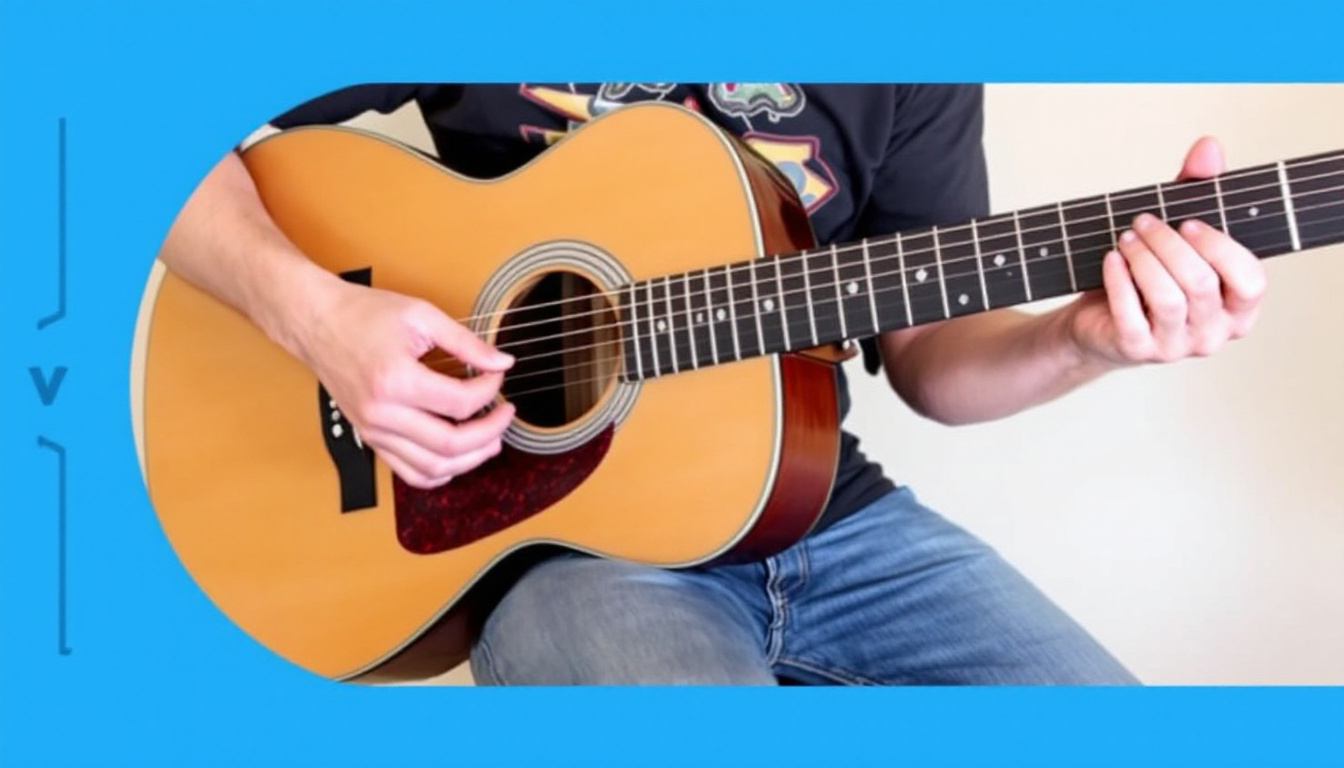
How to Convert AI Generated Music to Guitar Tabs (Without Learning Music Theory)
You generated a track in Suno or Udio, you love the riff, and now you want to actually play it. Problem: you've got an MP3, not a chart. Every AI music platform hands you audio and nothing else, which means the only way to get playable tabs is to transcribe it yourself or pay someone who can. This guide walks through both paths, including the one where the tabs already exist the moment your song does.
Why AI Generated Music Doesn't Come With Tabs
Suno, Udio, and most AI music generators are trained to produce waveforms, not notation. Their models predict audio samples directly, so there's no underlying MIDI, no note data, no chord map sitting behind the song you just made. That's a structural limitation, not a missing feature they forgot to add. If you want tabs from that audio, you're transcribing after the fact, by ear or by software.
Method 1: Transcribing AI Music by Ear
This is the traditional route every guitarist already knows: loop the track, isolate the instrument you care about, and work out notes and rhythms section by section. It works on any audio source, AI generated or not, and it forces you to actually understand the harmony instead of just reading symbols off a page. The tradeoff is time. A three minute song with a moderately busy guitar part can easily eat two to four hours if you're doing it properly.
- Slow down playback with a tool like Audacity or the Amazing Slow Downer without changing pitch
- Loop 4-8 bar sections and isolate them before moving on
- Identify the key and chord progression first, then fill in melody or lead lines
- Write it into TuxGuitar or Guitar Pro as you go so you don't lose your place
Method 2: Automated Transcription Software
Tools like Melodyne, AnthemScore, and Transcribe! use pitch detection algorithms to convert audio into MIDI or notation automatically. They're genuinely useful for monophonic lines like a clean lead melody or a vocal, and they'll save you real time compared to pure ear work. Accuracy drops fast on polyphonic material though, especially strummed chords, distorted guitar, or the layered synth pads common in AI generated tracks. You'll still spend time cleaning up false notes, fixing rhythm quantization errors, and re-checking anything with sustain or vibrato.
None of these tools were built with AI music in mind, so they treat your Suno export the same way they'd treat a field recording: as raw audio with no metadata to lean on. That means you're troubleshooting artifacts the generator introduced, on top of the normal transcription challenges. It's a workable path if you already own the software and have a few hours, but it's still a two-step process on top of the generation itself.
Method 3: Generate the Song and the Tabs Together
MelodAI skips the transcription step entirely by generating tab data alongside the audio in the same process. When you describe a song and MelodAI creates it, it's also mapping out the notes, chords, and rhythm for guitar, bass, piano, and drums as it builds the track. You get a finished song and playable charts in under a minute, with nothing to reverse-engineer afterward.
Type a prompt covering genre, mood, and instrumentation. MelodAI writes and produces a full track in under 60 seconds.
Guitar, bass, piano, and drum parts are transcribed automatically the moment the song finishes rendering. No manual step required.
Download Guitar Pro (.gp5), PDF sheet music, MusicXML, and MIDI, ready to open in any standard notation software.
Load the .gp5 file into Guitar Pro or TuxGuitar and start playing the exact part MelodAI generated, at any tempo.

Step by Step: Converting AI Music to Tabs With MelodAI
- Write a prompt describing the song you want, including genre, tempo feel, and instrumentation
- Generate the track and let MelodAI render both the audio and the underlying tab data
- Open the tab preview to check the guitar, bass, piano, and drum parts before exporting
- Export as .gp5 if you want to edit further in Guitar Pro, or PDF if you just need to read and play
- Pull the MIDI or MusicXML file if you're moving the parts into a DAW or notation app for arranging
Guitar tab automatically generated from an AI composed track, no manual transcription needed.
| Feature | MelodAI | Suno / Udio |
|---|---|---|
| Generates guitar/bass/piano/drum tabs | ✓ | ✗ |
| Exports .gp5 (Guitar Pro) | ✓ | ✗ |
| Exports PDF sheet music | ✓ | ✗ |
| Exports MusicXML | ✓ | ✗ |
| Royalty-free commercial license | ✓ (paid plans) | Varies |
| Requires separate transcription step | No | Yes |
Every song comes with the tabs to play it.
Guitar, bass, piano, and drums, transcribed automatically.
The core difference comes down to workflow. Ear transcription and audio-to-MIDI software both treat tabs as an afterthought you bolt onto a finished recording. MelodAI treats the audio and the tab data as one output from the same generation, which is why there's no cleanup, no pitch detection errors, and no hours lost decoding a synth patch that shouldn't exist in the first place.
Generate a song and get the tabs in the same minute
Describe what you want, MelodAI writes it, produces it, and transcribes it for guitar, bass, piano, and drums automatically.
Start creating for free